Find the Setting, Finish the Job: Searchable Options and Work Improvements
OCTOBER 12-26, 2026 / DEVELOPMENT UPDATE
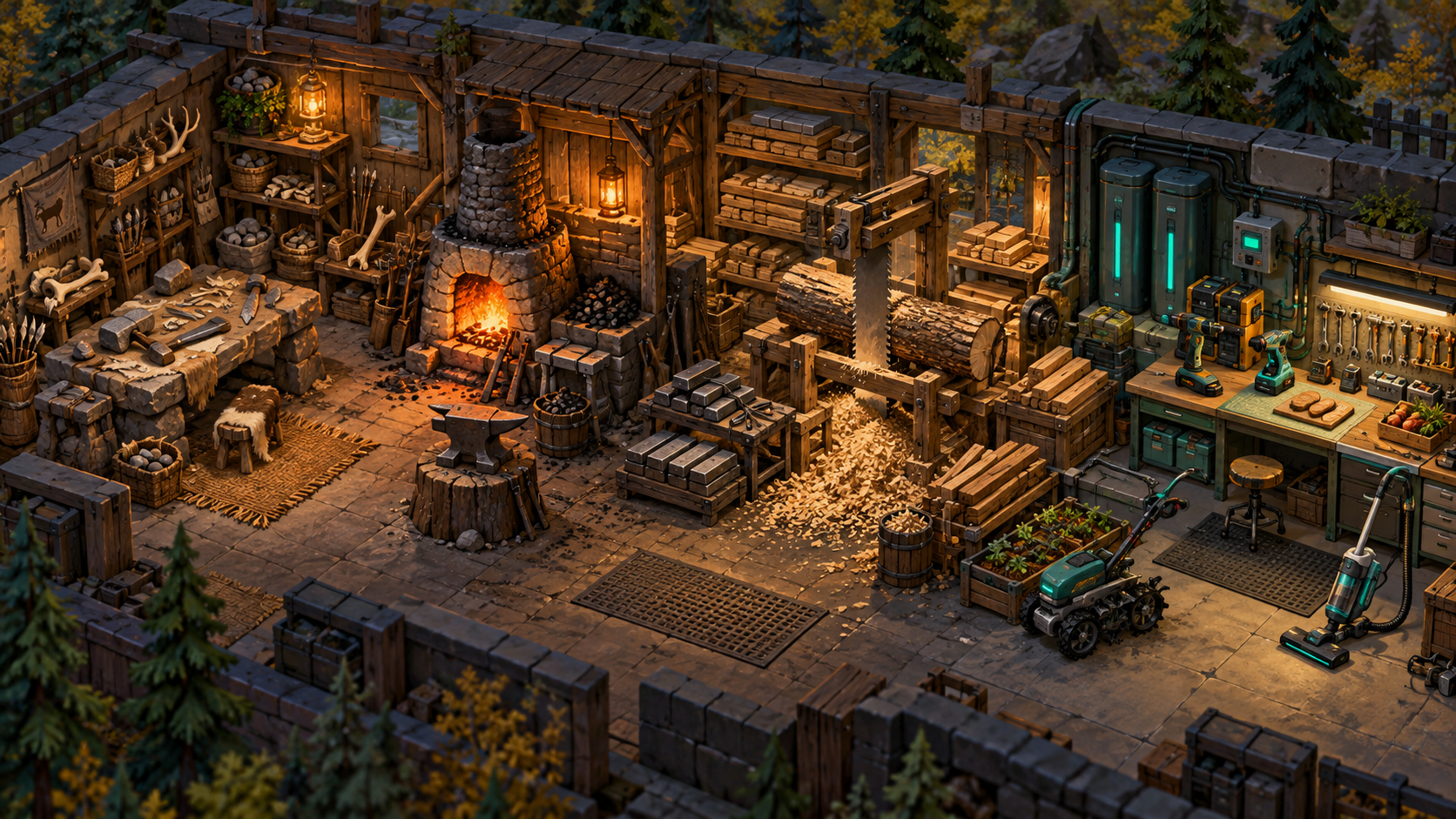
A large mod needs controls that can be found without reading the entire settings window. The new search field, grouped options and hunger shortcuts address that problem, while recipe search, saved bill presets and work-selection fixes reduce other points of friction around the colony.
Search by the thing you want to change
The search field stays at the top of Tool Progression's Mod options. It matches setting names, descriptions, category names and selected synonyms without case sensitivity. Multiple search words must match the same setting. Try hunger, Vulpite, roof, radio or tools instead of scrolling through every category.
A new search checks all categories. Choosing a category narrows the result, while Clear removes both filters and returns to the top. Settings are grouped by topic and sorted alphabetically within each group. About and support remain first; Streamer remains last. The .144 reorganization preserves the previous main checkboxes, saved keys, descriptions and change callbacks.
Related sliders and actions remain available. Trader-transport and filth-timing sliders stay searchable when their parent feature is disabled, with a note explaining what must be enabled. Search therefore helps explain a setting's dependency instead of hiding every control that cannot currently take effect.
Give bills and tools clearer instructions
Recipe search and progression ordering make large Add bill menus easier to use. Named bill presets help reuse a setup. Missing-tool requests can create appropriate production bills, and tool-icon speech bubbles make some worker-to-crafter requests visible. Later work handles these conversations between jobs rather than interrupting everything a crafter is doing.
Haul ASAP gives marked items priority for colonists with Hauling enabled, with protection for meals, rest, emergencies and direct orders. The system is not permission to ignore a pawn's allowed area or a destination's storage rules. The .89 blight cleanup also repairs conflicting harvest and cut orders, including saved jobs.
Avoid the wait loop
The fishing fix in .136 checks rod eligibility before automatic fishing claims a job. The salvage correction in .144 does the same kind of selection check for a usable hammer. When a required tool cannot be obtained, other work can be considered instead of repeatedly selecting the same task and entering a short wait.
The Learning Helper gains a close control, a restore toggle and saved visibility. Its Research-page positioning leaves room for search. The .143 fix adds an entry-interface guard because the helper could otherwise throw while starting a new scenario and prevent setup windows from drawing. Saved games and new-game setup use different interface paths, which explains why loading a colony could work while starting one failed.
Test the controls as a player
Search for a setting, narrow by category, clear it, change one option, then save and reopen the game. For a stuck worker, inspect the actual job and tool access rather than assuming all standing pawns share one cause. The packaged tests cover specific reproduced failures and saved settings; complete UI navigation and job flow still need a live session.