RimWorld Story Generator: Your Pawns, Your Colony, Your Story
The first shelter. The colonist who kept everyone fed. The relationship that survived a terrible winter, or the escape that came too late for someone you wanted to save. A RimWorld colony leaves you with moments worth remembering. Tool Progression’s upcoming Story Generator workflow is about giving those moments a lasting home, with your pawns as the main characters.
Development preview, checked October 30, 2026: Colony Story recording and ZIP export are implemented in the current .180 test-build source, following their introduction in .172 and the recording-default change in .173. The mod prepares the evidence and writing instructions; a separate AI chosen by you writes the prose. This is not an announcement of a finished in-game AI writer, a release date or a verified public .180 download. See the release center for current availability and testing notes.
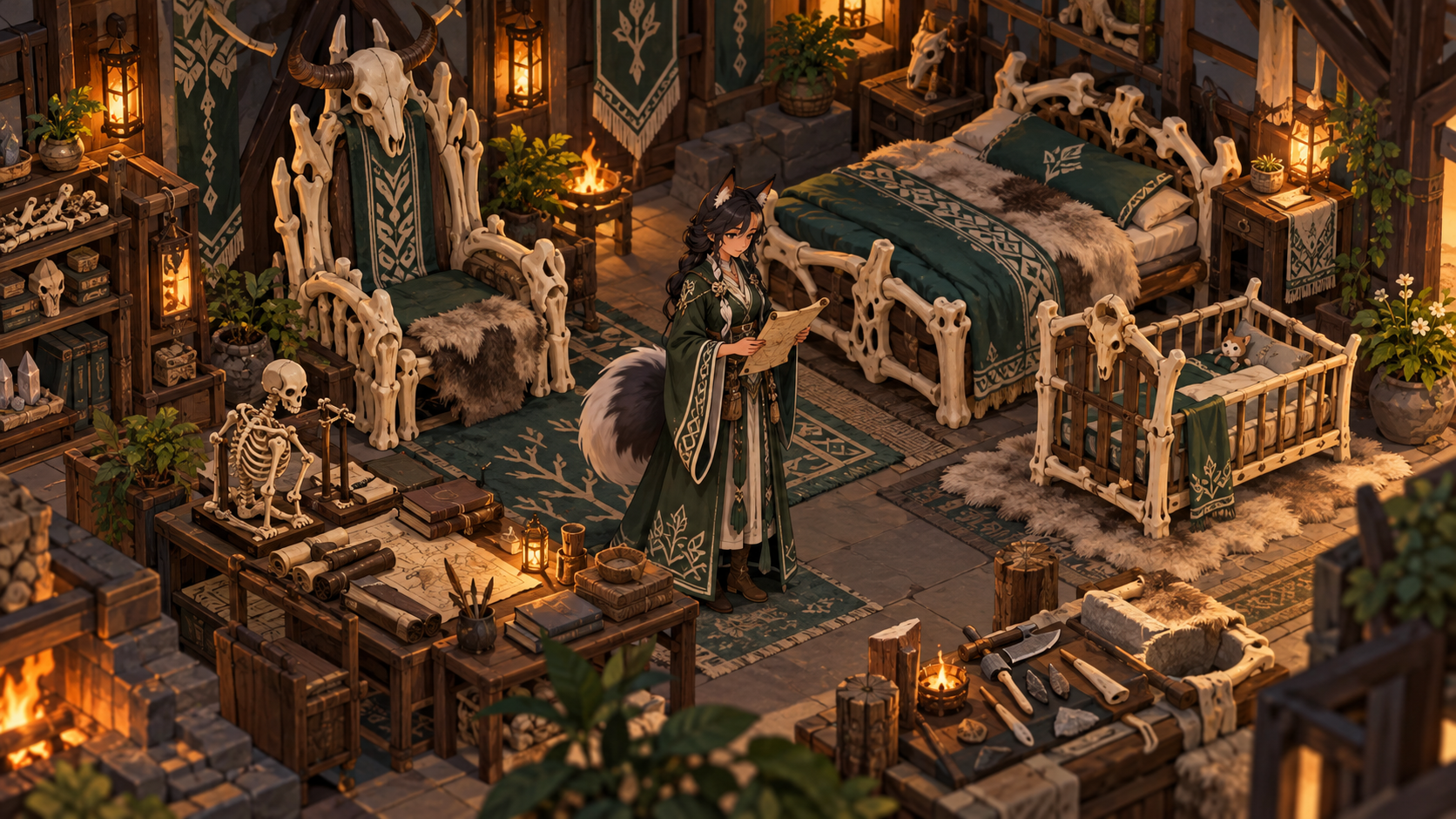
What is the RimWorld Story Generator?
Here, Story Generator means an archive-to-story workflow, separate from RimWorld’s gameplay storytellers. The goal is a character-driven account of your colony, from its recorded beginnings to an escape, a final loss or the latest chapter of an ongoing run. Rather than asking a writing tool to guess what happened from a short summary, you give it an organized colony archive: people, chronology, context and known gaps.
The implemented feature is called Export Colony Story. It creates a local ZIP of readable TXT documents, including an AI story prompt. You can keep those documents as a personal record, write the story yourself, or share them with an external AI. There is no built-in language model, automatic cloud upload or API-key setup in this exporter.
Let the pawns carry the story
A useful colony story needs more than a list of raids. Backgrounds, skills, relationships and losses help explain why an event mattered to a particular pawn. A cook’s work can hold a settlement together. A researcher can spend years helping others reach a future they never see. An old injury can shape how a survivor approaches the next emergency.
The supplied writing instructions put the colony’s actual pawns at the center. They ask for a cast list, a factual timeline, a list of gaps and a chapter outline before the chapters are written. Viewpoints follow the characters involved in recorded events instead of adding an invented player-avatar hero.
That makes the archive useful for a campaign chronicle, a keepsake after a difficult run, or a recap you edit for readers who never watched the colony grow. The Tool Progression system guides provide gameplay context; the story archive preserves selected evidence from your own run.
What goes into the colony story archive?
The current exporter packages six UTF-8 text files:
- 00_READ_ME.txt: how to use the archive, what it contains and where its coverage is limited.
- 01_COLONY_OVERVIEW.txt: the recorded setting, current context, export point and your selected ending.
- 02_PAWN_CHARACTERS.txt: first and latest character observations, with available backgrounds, traits, skills, relationships and health details. Pawn IDs help distinguish repeated or changed names.
- 03_EVENT_TIMELINE.txt: selected recorded events in chronological order, with source labels.
- 04_ENDING_AND_GAPS.txt: your ending note and reminders about missing or uncertain history.
- 05_AI_STORY_PROMPT.txt: instructions for turning the evidence into a substantial, chaptered story.
Recording covers selected letters, relevant native pawn tales, births, deaths, research completions and ending messages, alongside periodic character observations. It does not capture every action or conversation. Some letters describe threats, offers or plans, so the writer must not mistake an invitation for a completed quest or a warning for a won battle.
How to prepare and export a colony story
- Check your build and keep a backup. Use the release notes for your installed version. A test-build feature still needs testing in an actual colony.
- Enable recording deliberately. Open Tool Progression’s mod settings and search for story. Turn on Record colony story. In the current implementation, recording starts OFF every time RimWorld launches. Re-enable it each application session. For the earliest coverage, enable it before starting a new colony.
- Play, save and keep useful notes. The journal belongs to the colony save. Disabling recording pauses collection without deleting existing journal entries. Events during a pause may be missing; loading an older save also returns to that save’s recorded history.
- Choose Export Colony Story. With a colony loaded, select Ongoing colony, Victory / escape, Colony ended / death, or Other ending. Add a short note explaining the ending or events you witnessed. Label recollections clearly rather than presenting uncertain memories as recorded facts.
- Export manually while the colony is loaded. Choose Export story ZIP, then Open export folder. Files are saved in ToolProgression/ColonyStories inside RimWorld’s save-data folder. Export before leaving the finished colony, or load the relevant final save. Victory and death do not automatically create an archive.
- Review, then write. Read the TXT files before sharing them. If your chosen AI accepts ZIPs, provide the archive; otherwise unzip it and supply the text files. Use the included prompt, check the proposed cast and outline, then request the chapters.
The settings guide explains the searchable options interface. Remember that a website demonstration switch does not change the settings in your game.
From a timeline to a story that still respects the facts
The prompt allows fictionalized dialogue, sensory details and plausible inner thoughts, with an author’s note acknowledging that dramatization. Major events should stay anchored to the archive. A writing tool should not create a betrayal, rescue, death or happy ending simply because the plot would read more smoothly.
Illustrative possibilities, not recorded examples or promised output: a documented food shortage might become a chapter from the cook’s viewpoint; recorded research and departures might frame a costly escape; an ongoing colony might close on an unresolved relationship or unfinished ambition. Each direction depends on what your archive actually supports.
For a long run, ask for numbered installments and a continuity ledger of names, dates, relationships, injuries and unresolved events. Review each chapter against the source files. Fluent prose can still contain mistakes, and a short synopsis should not be mistaken for the full story you requested.
History gaps, endings and responsible sharing
Enabling recording on an older colony can recover surviving letters, tales and available chronicle material. It cannot reconstruct discarded history or guarantee a complete account from landing onward. A first observation is not necessarily a pawn’s arrival or birth date. First and latest profiles are snapshots, not continuous tracking of every change.
An absent pawn is not automatically dead. Selecting Victory / escape does not prove everyone escaped, and Colony ended / death does not prove everyone died. Individual records and your clearly labeled notes must support those details. For an ongoing colony, the story should stop at the latest evidence and leave its future open.
The export is designed to omit the raw save, Player.log, system paths and account details, but it includes pawn names, game text and your notes. Review all files and remove personal information you do not want to share. Uploading to an external AI is your choice and is subject to that provider’s policies, file limits and possible charges. The exporter itself makes no external-service privacy or pricing guarantee.
Story Generator FAQ
Is the Story Generator available now?
The archive and exporter are implemented in the current test build. The broader Story Generator experience remains an upcoming, testing-stage workflow. Writing happens outside the mod. Check the release center rather than assuming this preview supplies a public download.
Can I use it on an existing save?
The implementation supports starting a journal and recovering surviving evidence in an existing colony. Earlier history can be incomplete. Keep a backup and inspect the archive’s coverage notes.
Do I need an AI subscription or API key?
The mod’s local export requires neither. You can read the TXT files or write from them yourself. Any requirements for AI-assisted writing belong to the service you choose.
Will it save my colony’s ending automatically?
No. Ending messages can be recorded, but creating the ZIP is a manual action. Export while the colony is loaded and check the individual pawn outcomes.
What has been tested?
The retained focused reports cover 28 isolated journal/export checks and eight recording-default checks. Those checks are not live RimWorld verification of the full interface, long-session recording or save/reload experience. Test with a backup and report reproducible problems through Tool Progression support.
Keep the colony, even after the run ends
The aim is simple: keep enough honest evidence to tell a story about the people you spent the run trying to protect. Start recording early, check it each launch, preserve your saves and export before walking away. Then give the pawns the chapters they earned.
Build references: ColonyStory172.cs, ColonyStoryData172.cs, ColonyStoryExport172.cs and the .173 recording-default correction, reviewed in the .180 test tree. Build history · Release center · Support.